draftkeyDownload for Mac ↗

THE MAC APP, UP CLOSE

DraftKey,
in pictures.

A closer look at the private AI writing assistant for Mac by Aura Technologies. Explore the app’s interface, follow the illustrated guides, or find the original DraftKey logo.

Inside the Mac app.

These images were exported directly from DraftKey 0.1.45 with prepared text and settings. They show the app’s native interface. The writing examples are prepared examples, not live AI responses.

The DraftKey Mac app
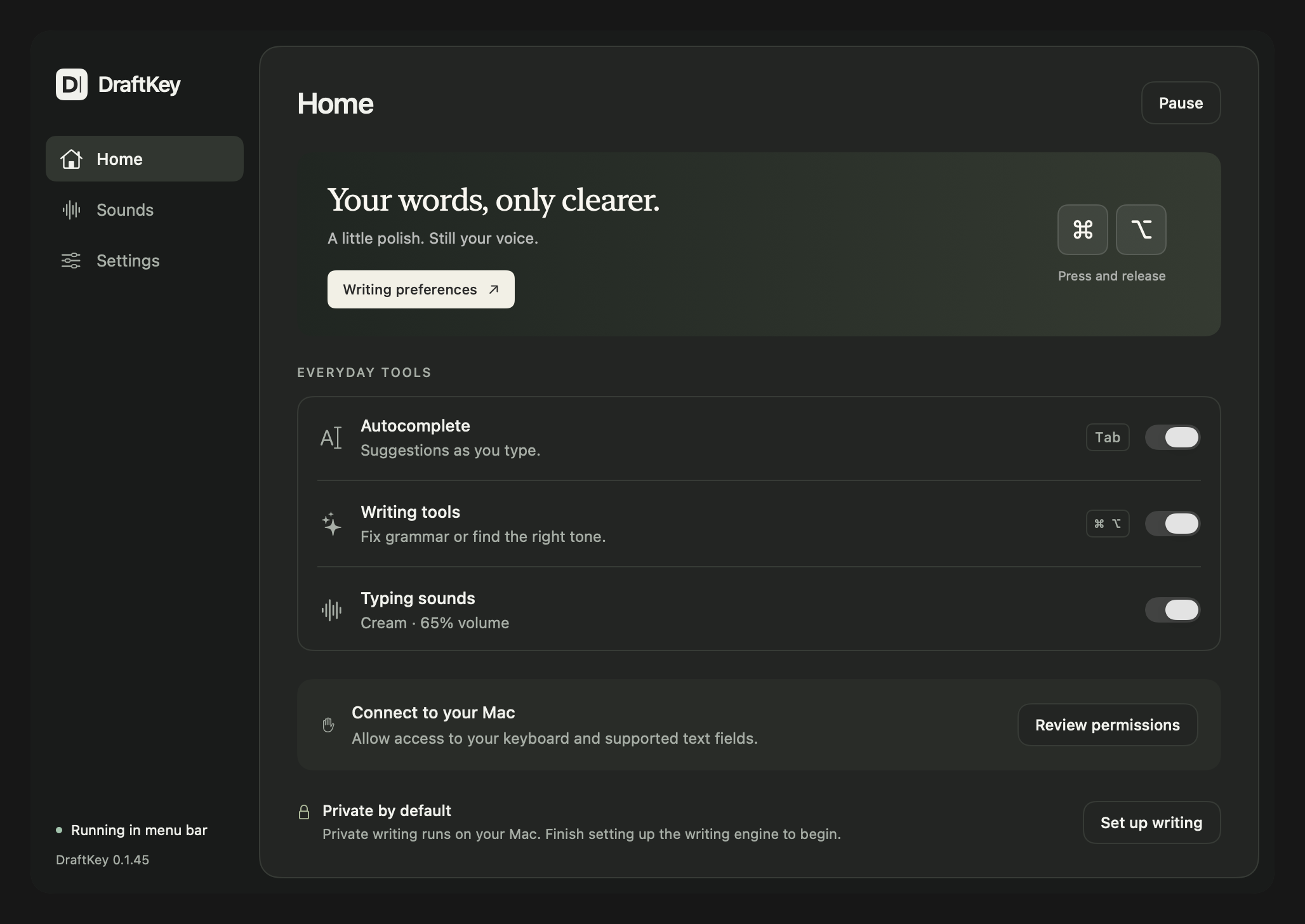

DraftKey 0.1.45 Home screen with autocomplete, Writing tools, typing sounds, permissions, and local writing setup.
The Home screen brings writing assistance, typing sounds, and setup controls together. DraftKey 0.1.45 interface, rendered with prepared settings.
Download PNG 2056 × 1456

Settings and app controls

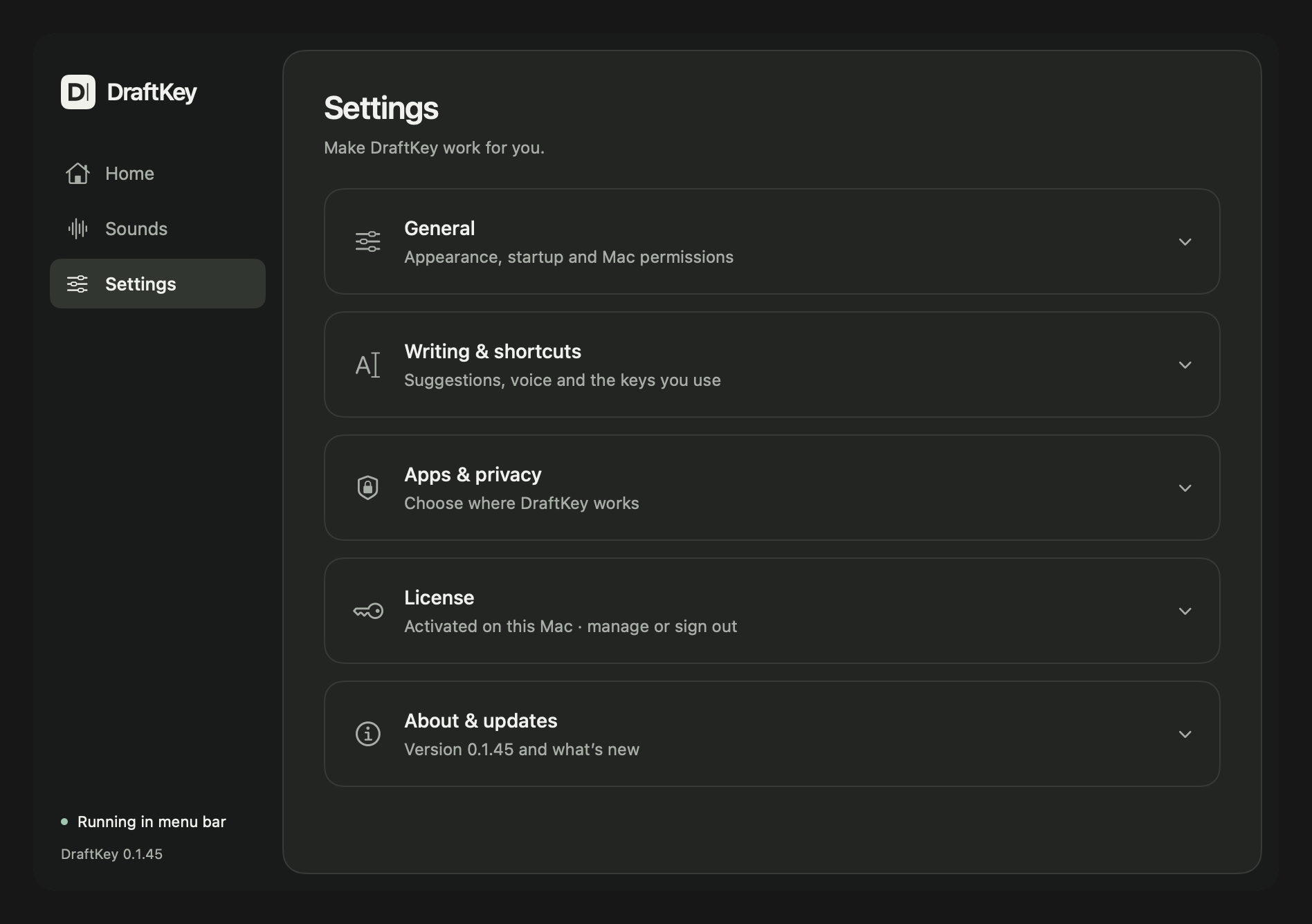
DraftKey 0.1.45 Settings screen showing General, Writing and shortcuts, Apps and privacy, License, and About and updates.
Settings groups writing preferences, app controls, licensing, and updates. DraftKey 0.1.45 interface, rendered with prepared settings.
Download PNG 1896 × 1336

Choose a writing action

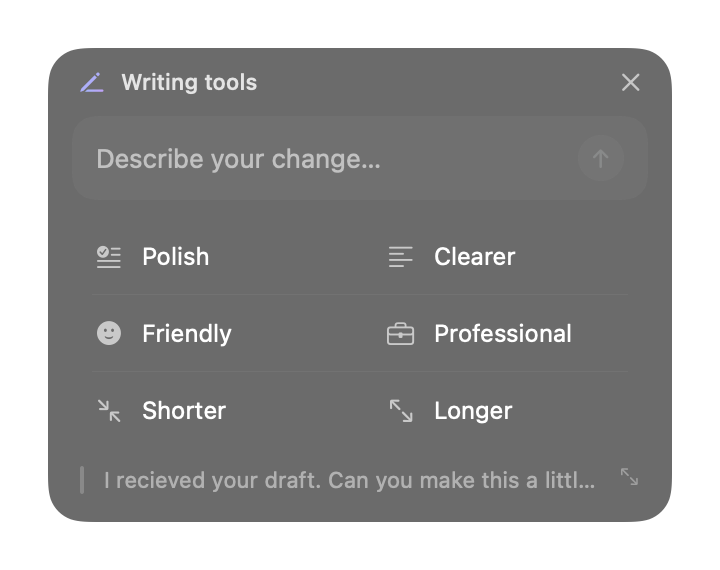
DraftKey 0.1.45 Writing tools panel with a custom instruction field and Polish, Clearer, Friendly, Professional, Shorter, and Longer actions.
Writing tools offers a custom request and six writing actions. DraftKey 0.1.45 interface with prepared example text; no live AI generation.
Download PNG 720 × 570

Review before inserting

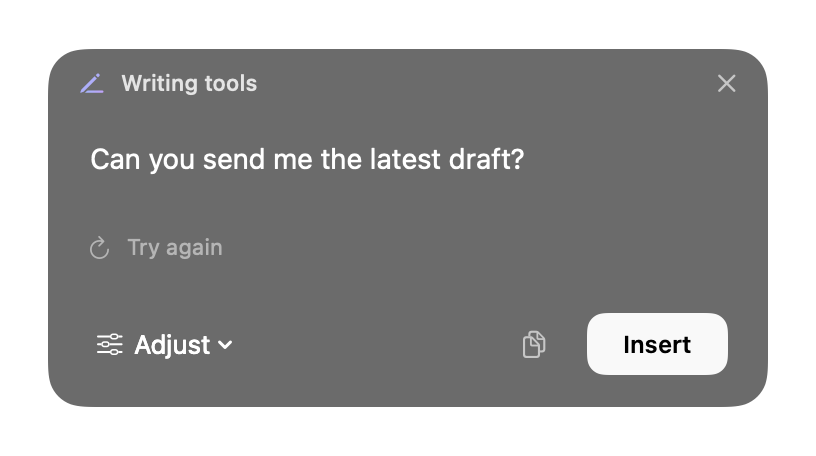
DraftKey 0.1.45 rewrite preview showing a prepared shorter message, Try again, Adjust, Copy, and Insert controls.
Review a proposed rewrite before choosing Insert. DraftKey 0.1.45 interface with prepared example text; no live AI generation.
Download PNG 816 × 456

Learn how to set up DraftKey, accept autocomplete suggestions, and review and insert a rewrite. Controls can change between releases; the images above document version 0.1.45.

A guide for each part of your draft.

These diagrams explain the app’s features and setup. They are illustrations with prepared examples, rather than app screenshots. Open a guide for the full explanation.
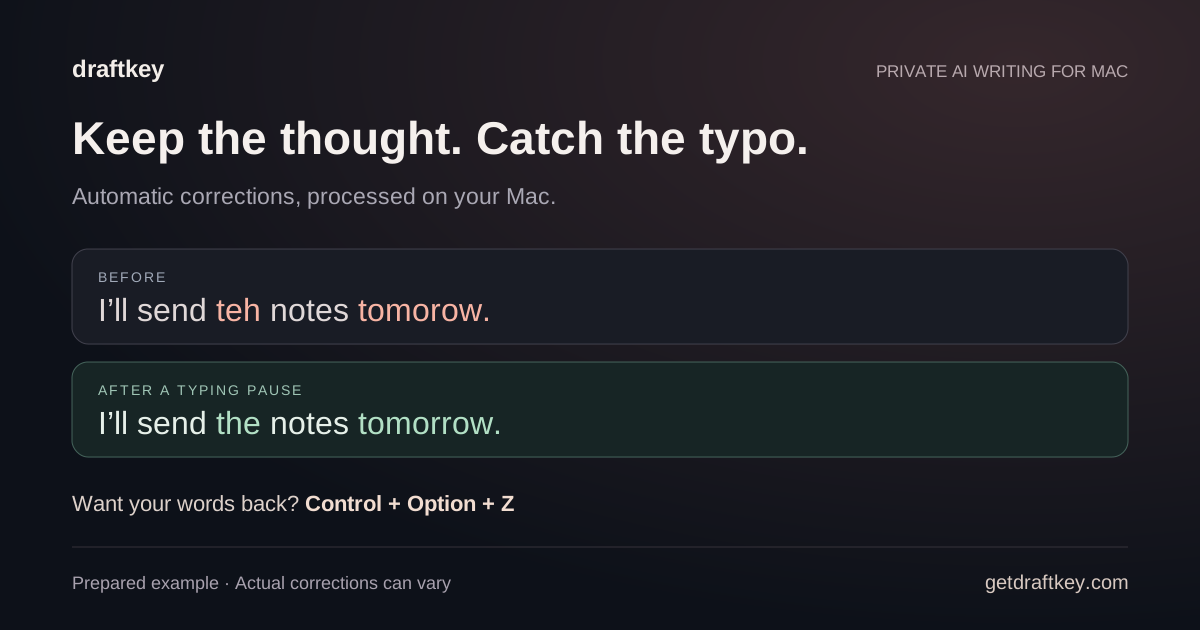
Prepared DraftKey spelling and grammar example showing a corrected sentence and the shortcut to undo automatic fixes.

Spelling and grammar for Mac ↗

Illustrated guide · Prepared writing example
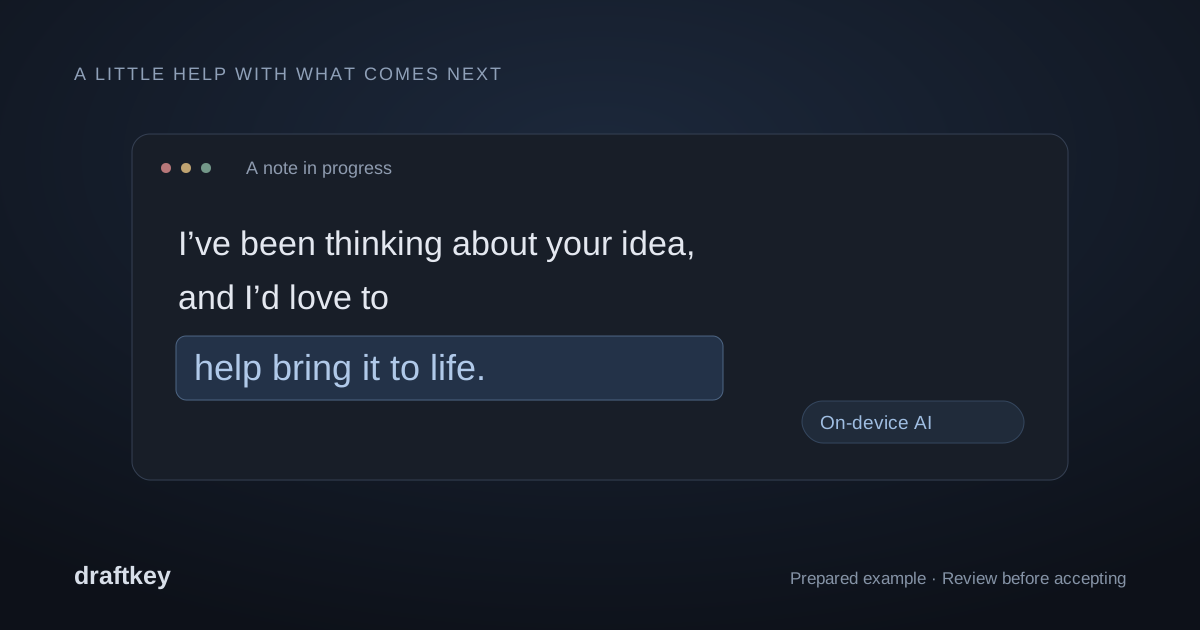
Prepared DraftKey autocomplete example with suggested words following an unfinished sentence.

AI autocomplete for Mac ↗

Illustrated guide · Prepared writing example
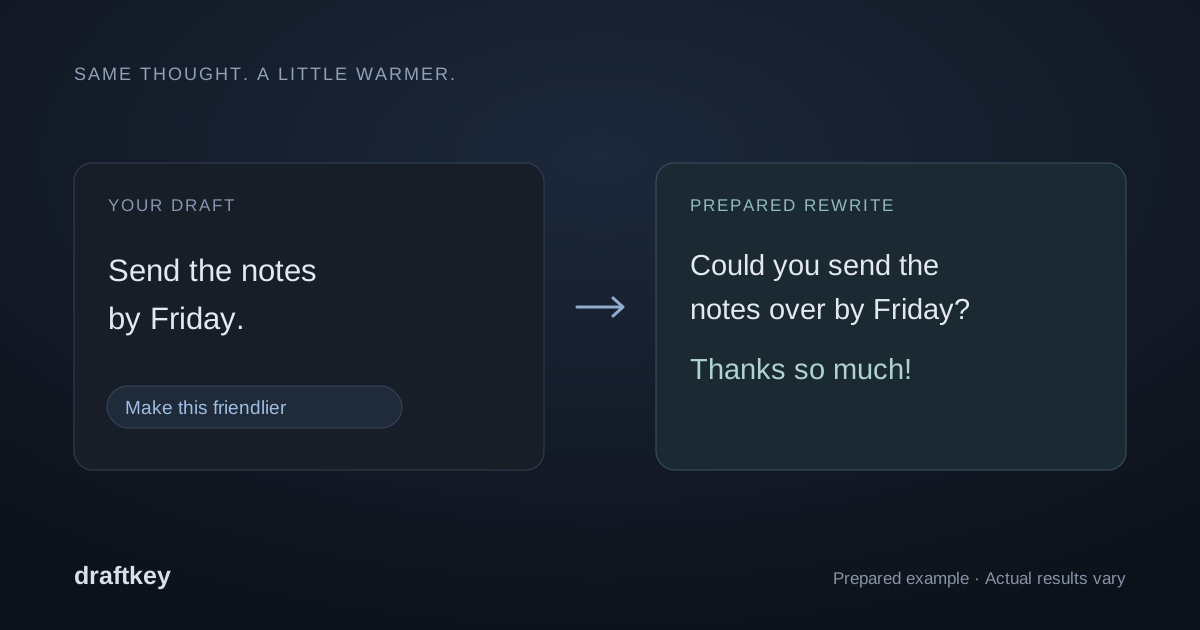
Prepared DraftKey rewrite example showing a direct request changed to a friendlier message.

Rewrite text on Mac ↗

Illustrated guide · Prepared writing example
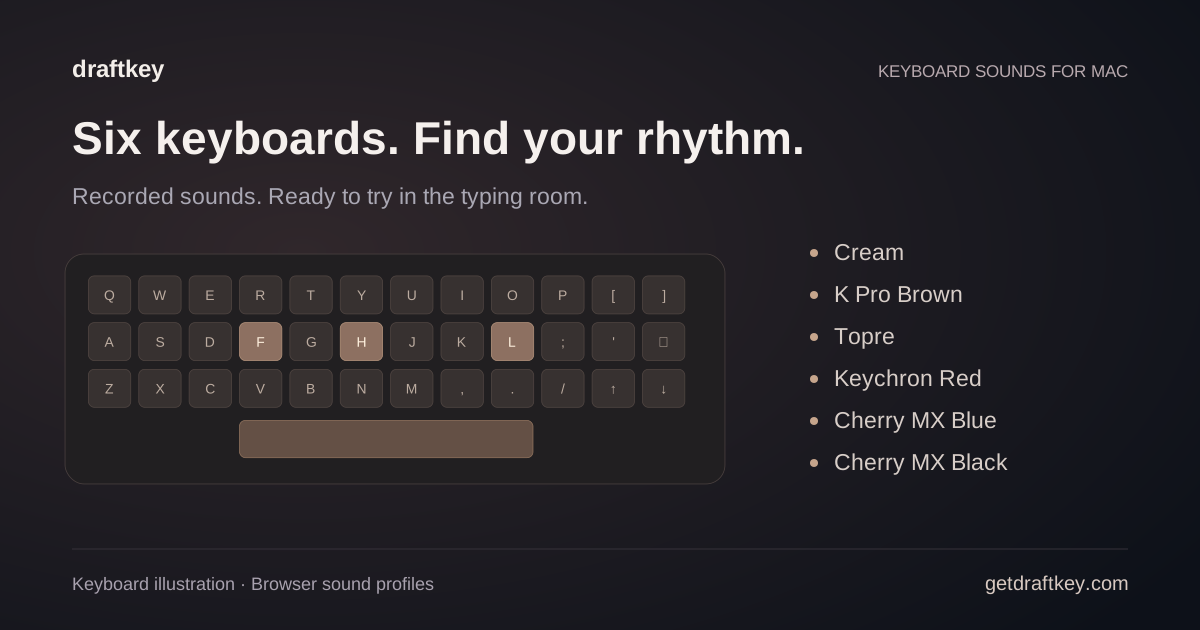
DraftKey keyboard illustration with six sound profiles: Cream, K Pro Brown, Topre, Keychron Red, Cherry MX Blue, and Cherry MX Black.

Keyboard sounds for Mac ↗

Illustrated guide · Product diagram
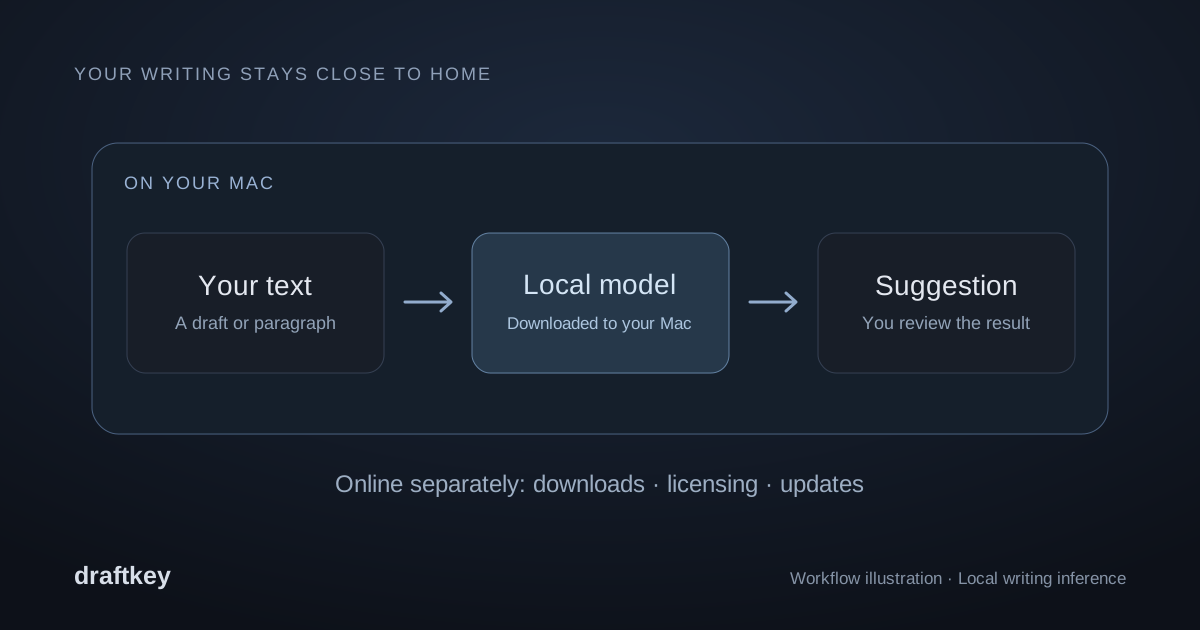
Diagram showing text, the writing model, and a suggestion inside one Mac, with setup connections shown separately.

Local AI writing for Mac ↗

Illustrated guide · Product diagram
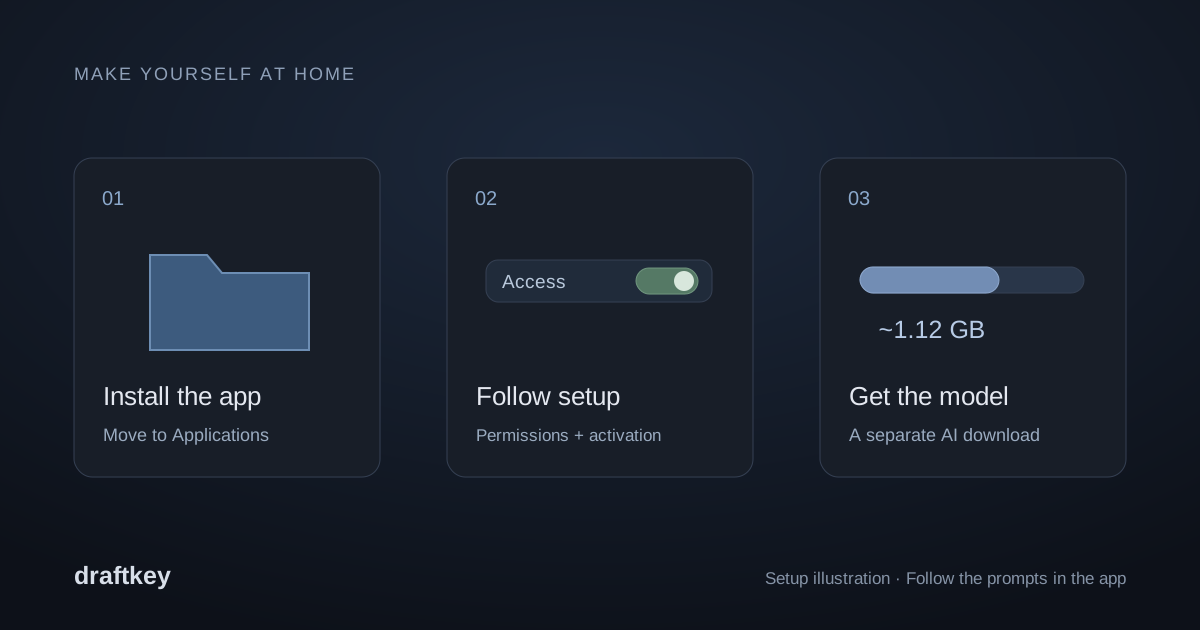
DraftKey setup illustration showing installation, permissions, and the separate writing-model download.

DraftKey setup and troubleshooting ↗

Illustrated guide · Product diagram
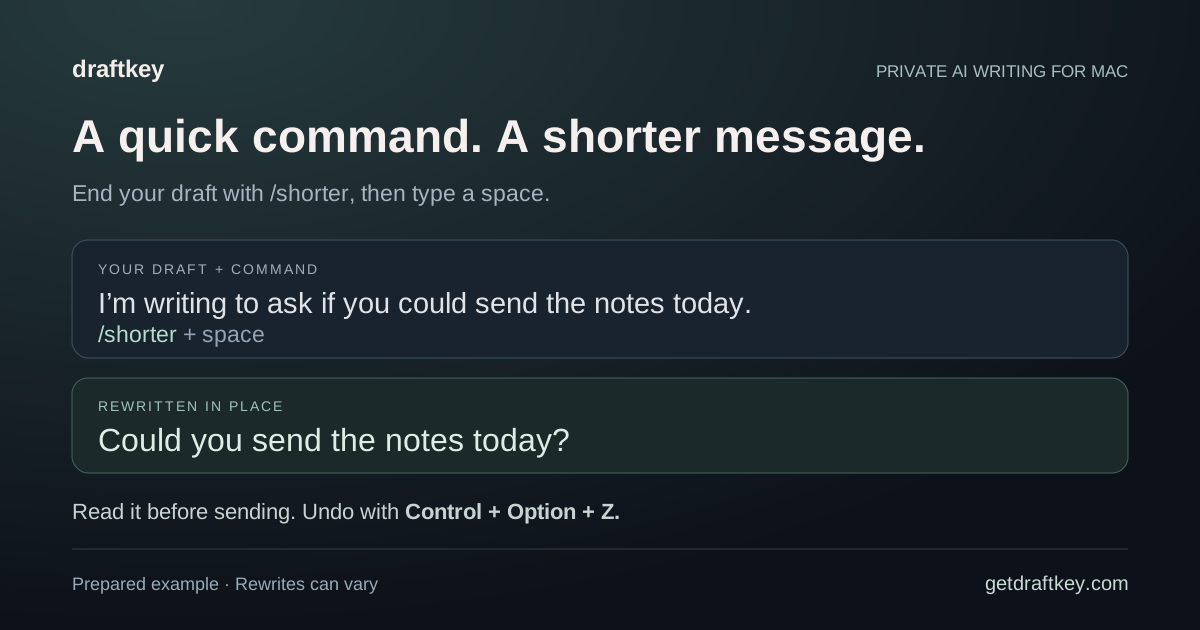
Prepared DraftKey slash-command example showing how /shorter and a space rewrite a message in place.

Rewrite with a slash command ↗

Illustrated guide · Prepared writing example

The DraftKey name and logo.

DraftKey is one word, with a capital D and K. Its official website is getdraftkey.com, and it is published by Aura Technologies.

The original logo is available below. For permission to reuse product images, other artwork, or press questions, contact contact@aura-technologies.co.

Product facts and official links ↗ · Download DraftKey for Mac ↗

Original DraftKey app logo for the Mac writing assistant by Aura Technologies.
Download original logo PNG ↓ · 320 × 320