 draftkeyDownload for Mac ↗
BUILT INTO MACOS, OR ADDED ON
DraftKey vs Apple
Writing Tools.
Your Mac already includes Apple Intelligence Writing Tools and inline predictive text. For many people that’s enough. DraftKey adds something different: AI that suggests the rest of your sentence as you type, and Tab adds it.
Published by DraftKey · Sources reviewed November 11, 2026.
A documented feature comparison, not an accuracy benchmark.
What each one does.
Apple’s writing features come with macOS on supported Macs. DraftKey is a separate menu-bar app. Here is what each publishes.
Scroll sideways to compare both.
| Consideration | DraftKey | Apple’s built-in tools |
|---|---|---|
| Suggestions as you type | AI suggests the rest of your sentence in gray. Tab adds it; Option + Right Arrow adds one word. | Inline predictive text completes the word or phrase you’re typing; press Space to accept. Source 1 |
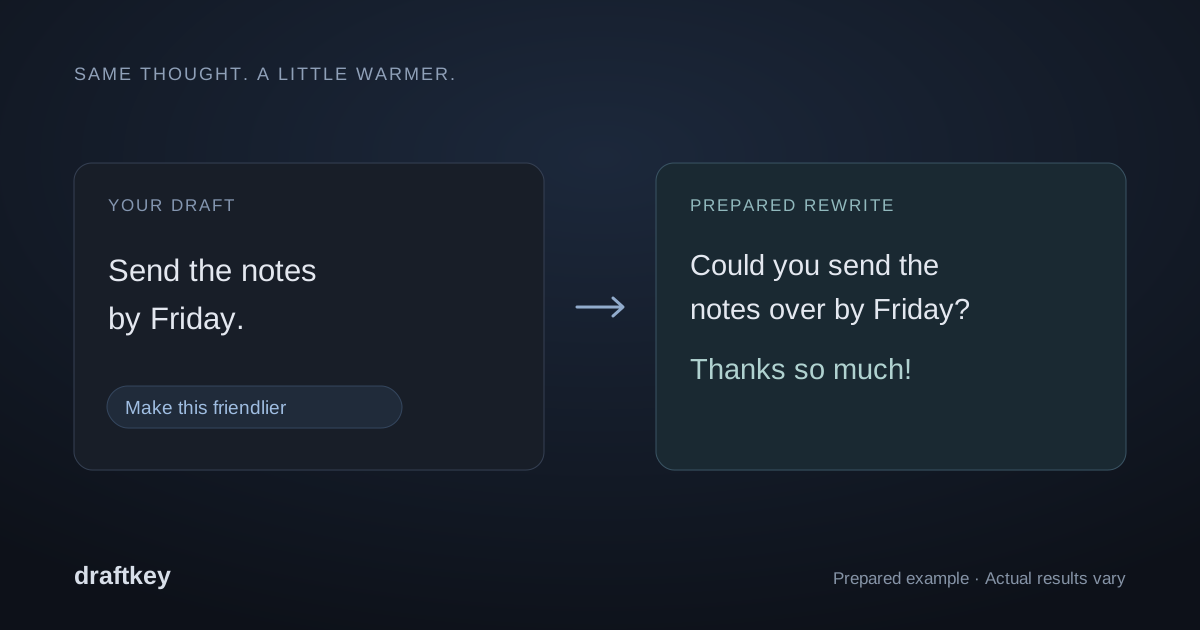
| Rewriting | Tap Command + Option for Writing tools: friendlier, professional, shorter, longer, clearer, casual, or your own instruction. Preview before inserting. | Writing Tools can write, improve, and summarize text in apps across your Mac. Source 2 |
| Proofreading | Automatic spelling and grammar fixes during a typing pause, with Control + Option + Z to undo. | Apple Intelligence can proofread as you type. Source 3 |
| Where the AI runs | Always on your Mac. Your writing is never sent to a cloud model. | On your Mac, or Private Cloud Compute’s server-based models for more complex requests. Source 4 |
| Cost | 500 words free per Mac, then $4.99 once for up to three Macs. Keyboard sounds stay free. | Included with macOS. Daily limits may vary by feature and request. Source 5 |
| Requirements | Apple Silicon, macOS 14 or later. | Apple Intelligence needs a Mac with M1 or later, and isn’t available in all languages or regions. Source 5 |
| Also included | Clipboard history and mechanical keyboard sounds. | Summaries, plus other Apple Intelligence features across macOS. Source 3 |
The real difference: finishing your sentence.
Apple’s inline predictive text finishes the word or short phrase you’re in the middle of. Writing Tools work on text you’ve already written: you select it, then ask for a rewrite, proofread, or summary.
DraftKey works while you’re still writing. Pause mid-sentence and it suggests how the sentence could end, in gray after your cursor. Press Tab to add it, or keep typing to ignore it. If that’s the part of writing that slows you down, that’s what DraftKey adds. See AI autocomplete for Mac for how it works.
Where your writing goes.
Apple says Apple Intelligence runs on your Mac in many cases and can use Private Cloud Compute, with larger server-based models, for more complex requests. Apple also says data processed there isn’t stored or made accessible to Apple (Source 4).
DraftKey’s writing AI always runs on your Mac. The app goes online only to download its writing model, keep your free-word count (a hashed Mac ID and a number, never your writing), check a license, and look for updates.
Which fits you?
Apple’s built-in tools may be all you need when…
- You mostly rewrite, proofread, or summarize text you’ve already written.
- You want something that’s already on your Mac at no cost.
- You write in a language Apple supports and DraftKey hasn’t documented.
DraftKey adds something when…
- You want whole-sentence suggestions while you type, accepted with Tab.
- You want every request handled on your Mac.
- You’d also like clipboard history or keyboard sounds in the same app.
We haven’t measured suggestion quality, speed, or battery use for either one.
Can you use both?
Yes. DraftKey doesn’t turn off Apple Intelligence, and you can keep using Writing Tools on selected text. A few tips:
- Avoid two sets of gray text. If macOS inline predictive text and DraftKey both suggest at once, turn off Show inline predictive text in Keyboard settings while you try DraftKey (Source 1).
- Pick one proofreader per draft. If two tools fix the same sentence, it’s hard to tell which changed what. Try DraftKey’s automatic fixes on their own first.
- Start free. At the end of DraftKey’s setup, choose Try it free first for 500 free words. The download page walks through installation.
Sources and review.
This page is published by DraftKey’s maker, Aura Technologies. Apple details were reviewed on November 11, 2026 against Apple’s own pages. Features and availability change with macOS updates, so check the original sources. Apple does not endorse this comparison.
- Apple: Use inline predictive text on Mac
- Apple: Use Writing Tools on Mac
- Apple: Apple Intelligence
- Apple: Apple Intelligence and privacy on Mac
- Apple: How to get Apple Intelligence
DraftKey references: autocomplete, rewriting, corrections, and shortcuts.
Try DraftKey free.
500 words of writing help on every Mac. Keyboard sounds stay free.