 draftkeyDownload for Mac ↗
KEYBOARD SOUNDS FOR MAC
A Klack alternative
for your Mac.
Klack, Mechvibes, and DraftKey all play mechanical keyboard sounds as you type on your Mac. DraftKey’s sounds are free, and the same app can also suggest the rest of your sentence when you want writing help.
Published by DraftKey · Sources reviewed November 11, 2026.
A documented feature comparison, not a sound-quality test.
DraftKey vs Klack vs Mechvibes.
Here is what each app publishes about itself.
Scroll sideways to compare all three.
| Consideration | DraftKey | Klack | Mechvibes |
|---|---|---|---|
| Price for sounds | Free, with no limit. No license needed. | $4.99 on the Mac App Store. Source 1 | Free and open source (MIT license). Source 2 |
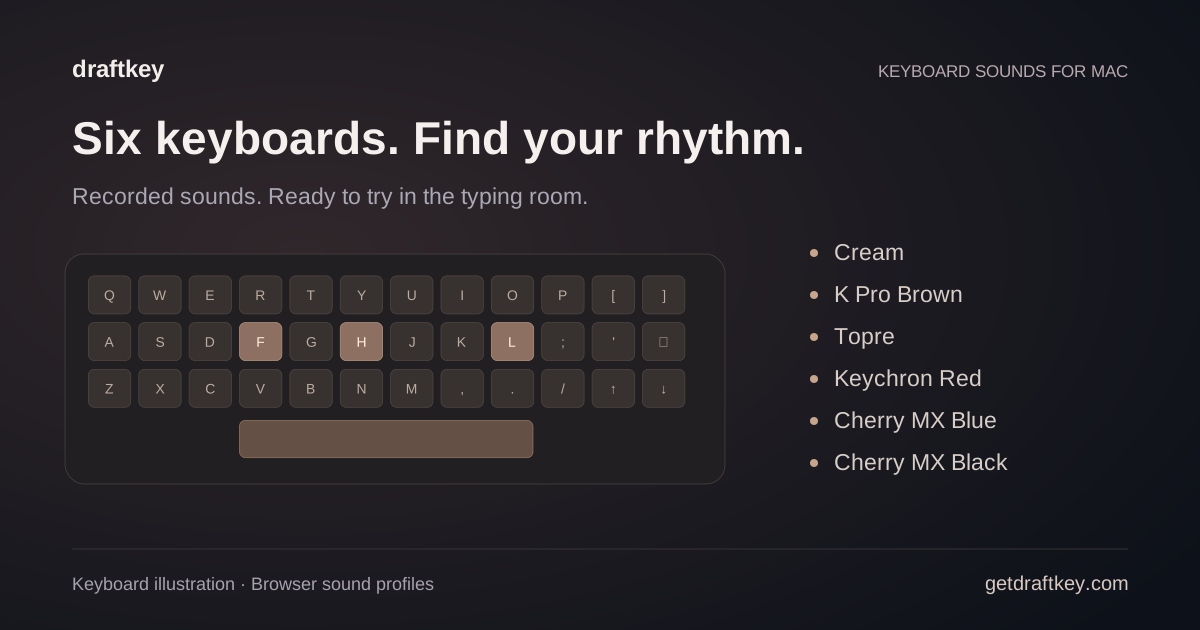
| Sounds included | Six recorded profiles: Cream, K Pro Brown, Topre, Keychron Red, Cherry MX Blue, and Cherry MX Black. | Customizable switches, up/down keystrokes, and randomized pitch. Source 1 | 10 keyboard packs and 4 mouse packs, plus importing more as ZIP files. Source 3 |
| Sound controls | Volume, tone, and an optional stereo mode. | Spatial audio and tone pad tuning. Source 1 | Separate volume for keyboard and mouse, ambient sounds, and themes. Source 3 |
| Platforms | Mac with Apple Silicon, macOS 14 or later. | Mac, macOS 15 or later. Source 1 | Mac (Apple Silicon and Intel), Windows, and Linux. The Mac build is labeled experimental and isn’t notarized. Source 3 |
| Beyond sounds | AI sentence suggestions, rewriting, automatic fixes, and clipboard history. 500 words of writing help free, then $4.99 once. | Usage stats, sleep automation triggers, and a menu bar app. Source 1 | Mouse click sounds. Source 3 |
How DraftKey’s sounds work.
DraftKey plays a recorded switch sound for each key you press, in any app. Choose one of six profiles, then set the volume and tone. Stereo mode places left-hand keys in your left ear and right-hand keys in your right.
Sounds are independent from DraftKey’s writing help. You can use sounds with writing AI turned off, and they keep working after the 500 free words are used. You can listen to all six recordings or try them in the typing test before you download.
Which fits you?
DraftKey may suit you when…
- You want keyboard sounds for free from a notarized Mac app.
- You’re on macOS 14, which Klack’s current version doesn’t support.
- You’d like the option of AI sentence suggestions in the same app.
Klack may suit you better when…
- You want spatial audio, randomized pitch, and usage stats in a sounds-only app.
- You prefer buying through the Mac App Store.
Mechvibes may suit you better when…
- You want open-source software, an Intel Mac build, or the same app on Windows and Linux.
- You want mouse sounds or many community sound packs.
We haven’t compared recording quality or latency. Listen to each app’s samples and trust your ears.
Sources and review.
This page is published by DraftKey’s maker, Aura Technologies. Klack and Mechvibes details were reviewed on November 11, 2026 against the App Store listing and the projects’ own pages. Prices and features can change, so check the original sources before deciding. Neither product endorses this comparison.
DraftKey references: keyboard sounds guide, typing test, and download and setup.
Get DraftKey’s sounds free.
Six recorded profiles, no license needed.